
🗺️ Free XML Sitemap Generator 2026: Create SEO-Friendly Sitemaps Instantly
Imagine this:
You’ve just published a brand-new blog post or a product page. You wait for Google to find it and show it in search results. Days pass. Weeks pass. Still, your page isn’t indexed.
Frustrating, right?
Search engines like Google discover your content through links. But if your site is new, or if your internal linking isn’t perfect, some pages may stay hidden for a long time.
That’s where an XML Sitemap comes in.
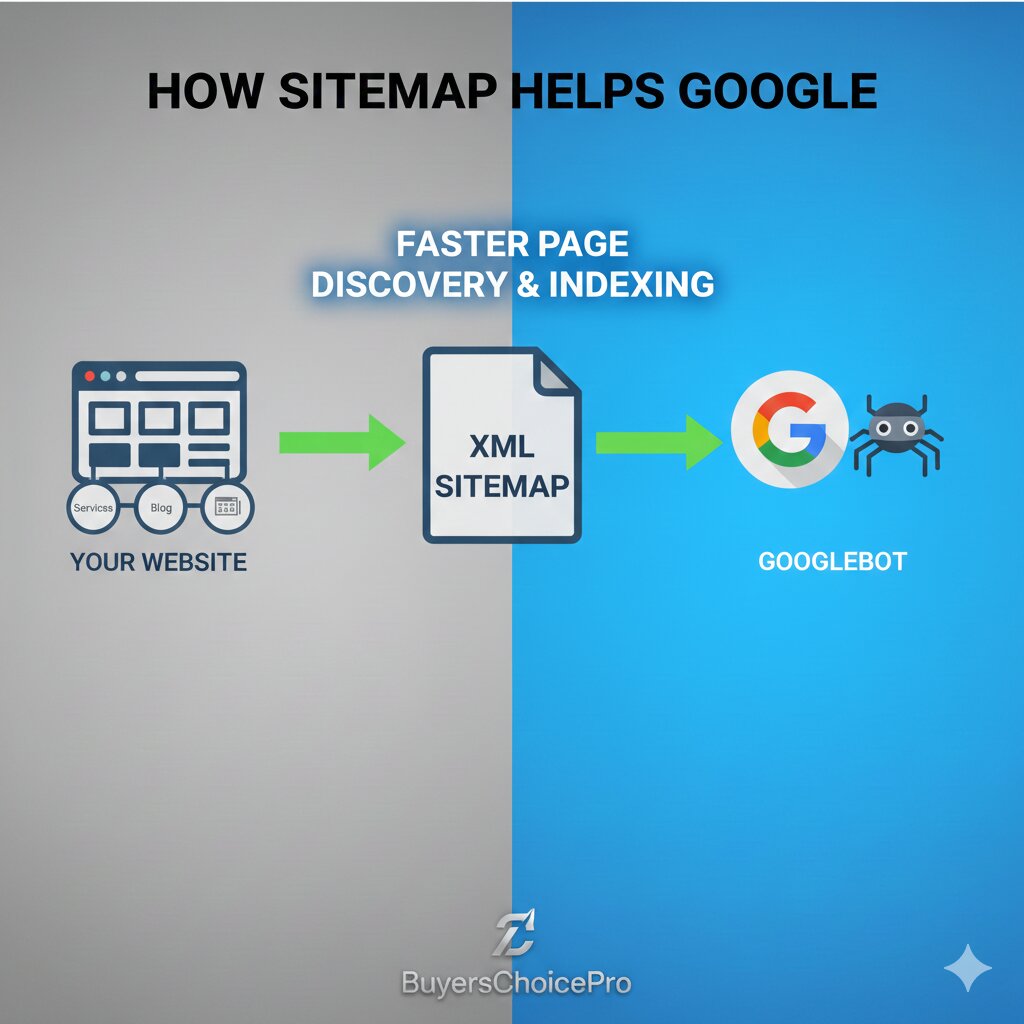
An XML sitemap is like a roadmap for search engines. It lists all the important pages on your website, tells Google when they were last updated, how often they change, and how important they are. Submitting a sitemap ensures that Google doesn’t miss any of your valuable content.
And with the BuyersChoicePro Free XML Sitemap Generator, you can create a perfect, SEO-friendly sitemap in seconds – absolutely free.
🧠 What Is an XML Sitemap and Why Does It Matter in 2026?
An XML sitemap is a file (usually named sitemap.xml) that lives in the root directory of your website. It contains a list of all the URLs you want search engines to crawl and index.
Why it’s critical in 2026:
| Reason | Explanation |
|---|---|
| Faster Indexing | New content gets discovered and indexed faster. |
| Better Crawl Efficiency | Search engines use your sitemap to prioritize which pages to crawl. |
| Indexation of Deep Pages | Pages that are buried deep in your site structure (with few internal links) still get found. |
| Priority & Freshness Signals | You can tell Google which pages are most important and how often they change. |
| Multimedia Content | You can include images, videos, and news articles in your sitemap to help them appear in rich results. |
Without a sitemap, you’re leaving your indexing to chance. With a sitemap, you take control.
✨ Why BuyersChoicePro XML Sitemap Generator Stands Out
There are many sitemap generators online. Here’s why our tool is the best choice:
⚡ 1. Crawls Your Entire Website
Our tool doesn’t just ask you to enter URLs manually. It actually crawls your website – just like Google – and discovers all your pages automatically. You get a complete list without missing anything.
🔄 2. Handles Large Sites
Whether you have 10 pages or 10,000 pages, our generator can handle it. It respects your server resources and avoids overloading your site.
🖼️ 3. Includes Images & Videos
Modern sitemaps can include image and video information. Our tool detects media on your pages and adds the necessary tags so your images can appear in Google Image Search and video results.
📱 4. Mobile-Friendly Validation
Google uses mobile-first indexing. Our tool checks that the URLs in your sitemap are accessible on mobile devices and flags any issues.
📄 5. Multiple Sitemap Formats
- Standard XML sitemap
- HTML sitemap (for users)
- RSS/Atom feeds
- Text sitemap
🌐 6. Multi-Language Support
If your site is multilingual (hreflang tags), our sitemap generator includes proper annotations to help Google serve the right language version to users worldwide.
🏆 How to Use the Free XML Sitemap Generator (Step-by-Step Guide)
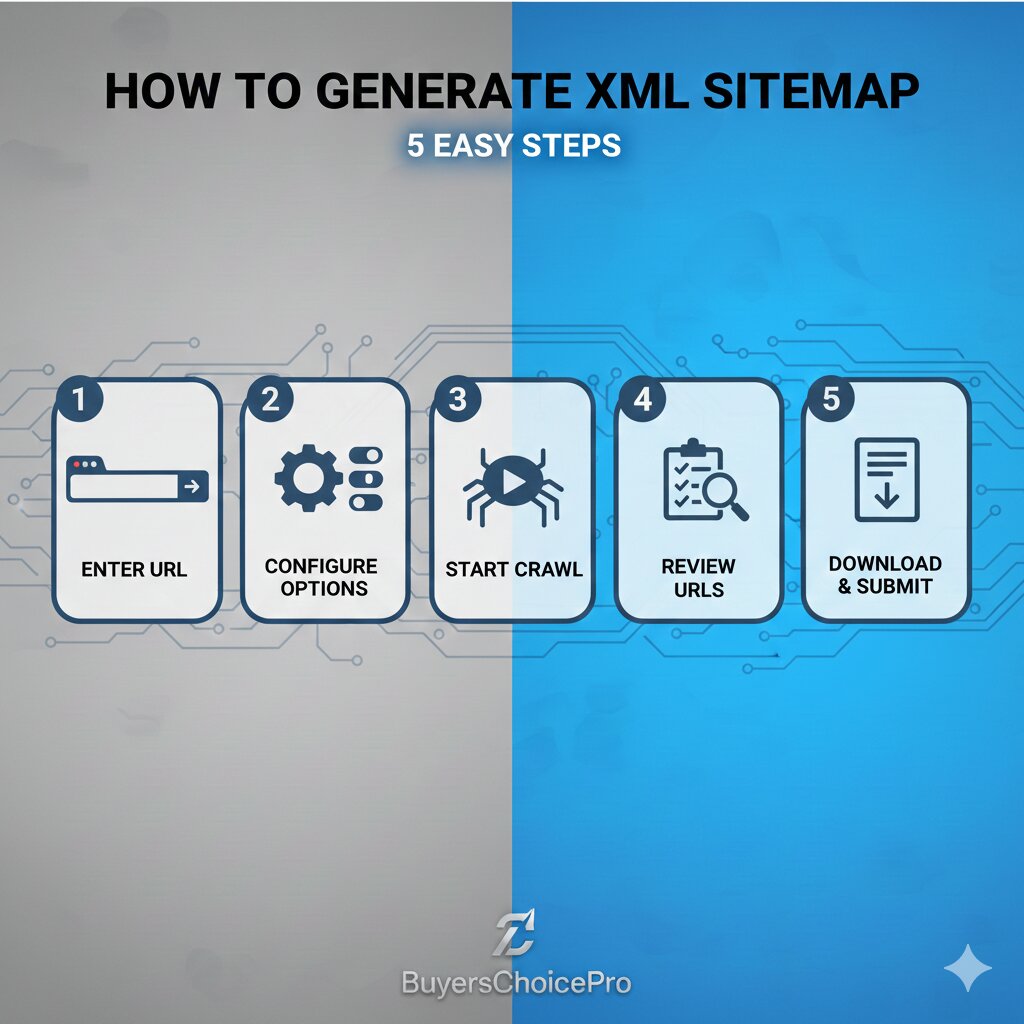
Step 1: Enter Your Website URL
Go to [a2zseo.buyerschoicepro.com/xml-sitemap-generator]. Type your domain name (e.g., https://buyerschoicepro.com) into the input box.
Step 2: Configure Options
Our tool offers smart defaults, but you can customize:
- Crawl Depth: How many levels of links to follow (default: 5)
- Exclude URLs: Add patterns to exclude (e.g.,
/tag/,/page/) - Change Frequency: Let the tool auto-detect, or set manually
- Priority: Auto-calculate based on depth, or set manually
- Include Images: Yes (default)
- Include Videos: Yes, if detected
Step 3: Start Crawling
Click “Generate Sitemap”. The tool will start crawling your website. For a small site (under 500 pages), this takes about 30-60 seconds. For larger sites, it may take a few minutes. You can watch the progress in real-time.
Step 4: Review Your Sitemap
Once crawling is complete, you’ll see a preview of your sitemap with:
- List of all discovered URLs
- Last modified dates
- Change frequency suggestions
- Priority scores
- Any warnings (e.g., broken links, slow pages)
You can remove any URLs you don’t want included.
Step 5: Download & Implement
Click “Download Sitemap” to get your sitemap.xml file.
Then, upload it to the root directory of your website (usually via FTP or your hosting file manager).
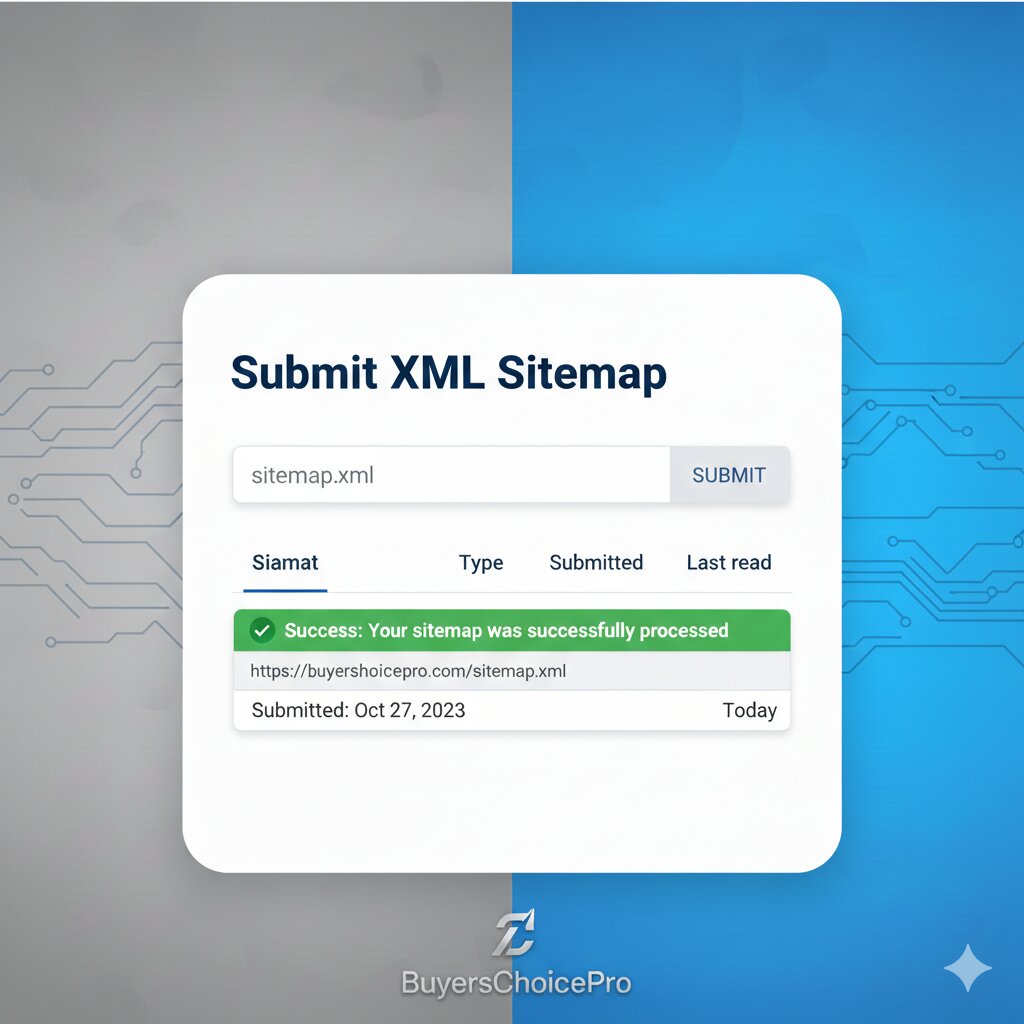
Step 6: Submit to Google
Go to Google Search Console → Sitemaps → paste your sitemap URL (e.g., https://yourdomain.com/sitemap.xml) → click Submit.
That’s it! Google will now use your sitemap to crawl your site more intelligently.
🔥 Pro Tip: Sitemap Best Practices for 2026
✅ Do’s
- Keep your sitemap under 50MB or 50,000 URLs (if larger, split into multiple sitemaps and use a sitemap index file).
- Only include canonical URLs (avoid duplicate versions like
?utmparameters). - Update your sitemap every time you publish new content (automate if possible).
- Use lastmod tags to tell Google when a page was updated.
- Submit your sitemap in Google Search Console and Bing Webmaster Tools.
❌ Don’ts
- Don’t include noindex pages (they confuse search engines).
- Don’t include URLs that redirect (use the final destination URL).
- Don’t include blocked by robots.txt pages (they won’t be crawled anyway).
- Don’t forget to ping search engines after updating your sitemap (our tool can do this for you).
📊 Understanding Your Sitemap Report
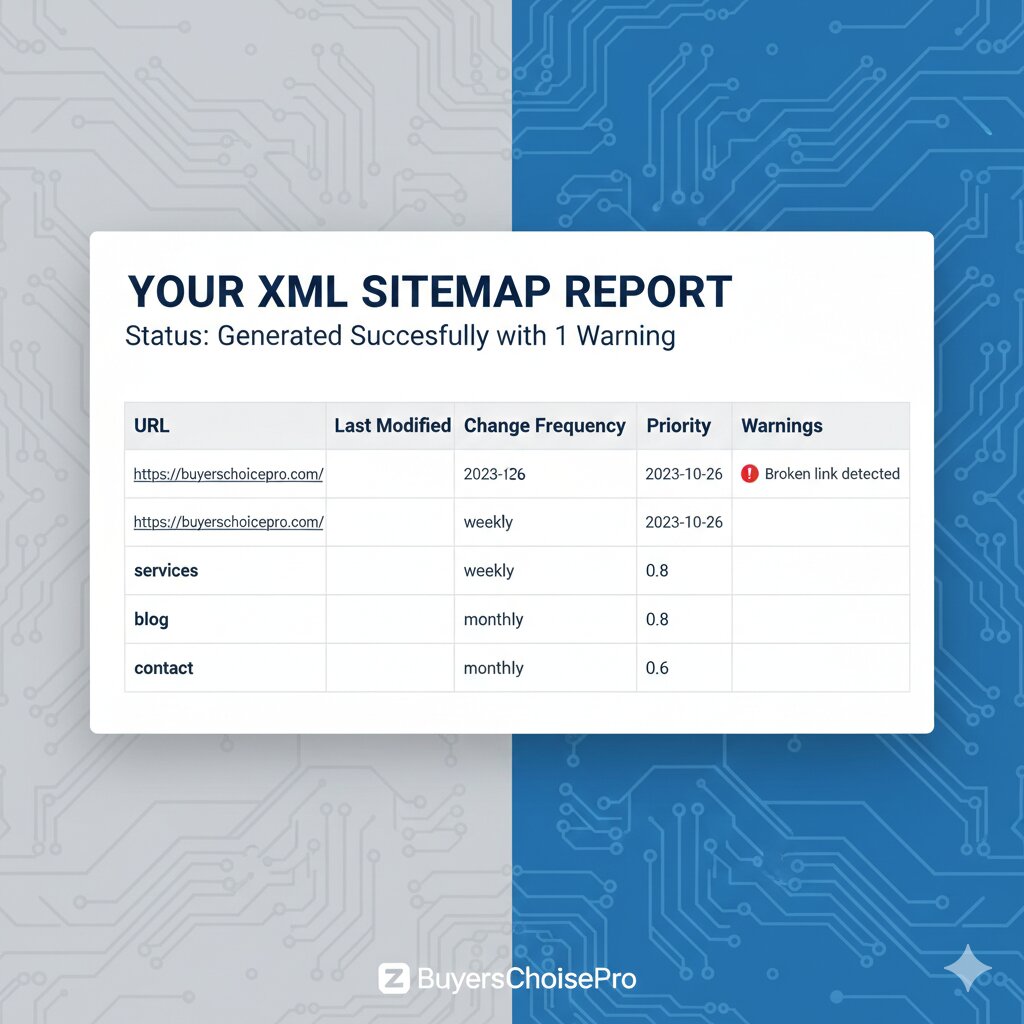
| Column | Description | Why It Matters |
|---|---|---|
| URL | The full web address | Ensure it’s correct and canonical. |
| Last Modified | When the page was last updated | Helps Google know when to recrawl. |
| Change Frequency | How often the page changes (daily, weekly, monthly) | Guides Google’s crawl schedule. |
| Priority | Importance relative to other pages (0.0 to 1.0) | Signals which pages to crawl first. |
| Images/Videos | Number of media items detected | Helps with image/video search. |
| Warnings | Issues like broken links, slow load times | Fix these to improve SEO. |
🔗 Buyer’s Choice Best SEO Tools
1. Robots.txt Generator:
“Before submitting your sitemap, make sure you’re not accidentally blocking search engines with your robots.txt file. Use our Robots.txt Generator to create a perfect robots.txt that allows Google to crawl your sitemap.”
2. Google Index Checker:
“After submitting your sitemap, you can verify which pages are actually indexed by Google using our Google Index Checker. Just enter your URL and see the indexed status instantly.”
3. SEO Hosting:
“A fast-loading website helps Google crawl your sitemap more efficiently. If your site is slow, check out our review of Fast Hosting for SEO to boost your site speed.”
4. Free Keyword Position Checker:
“Do you know exactly where your website ranks for your most important keywords right now? If you’re guessing, you’re losing. Here’s the harsh truth about SEO in 2026: You cannot improve what you cannot measure. That’s exactly why we built the BuyersChoicePro Free Keyword Position Checker. It gives you real-time, accurate ranking data so you can make smart SEO decisions.
❌ Common Sitemap Mistakes to Avoid
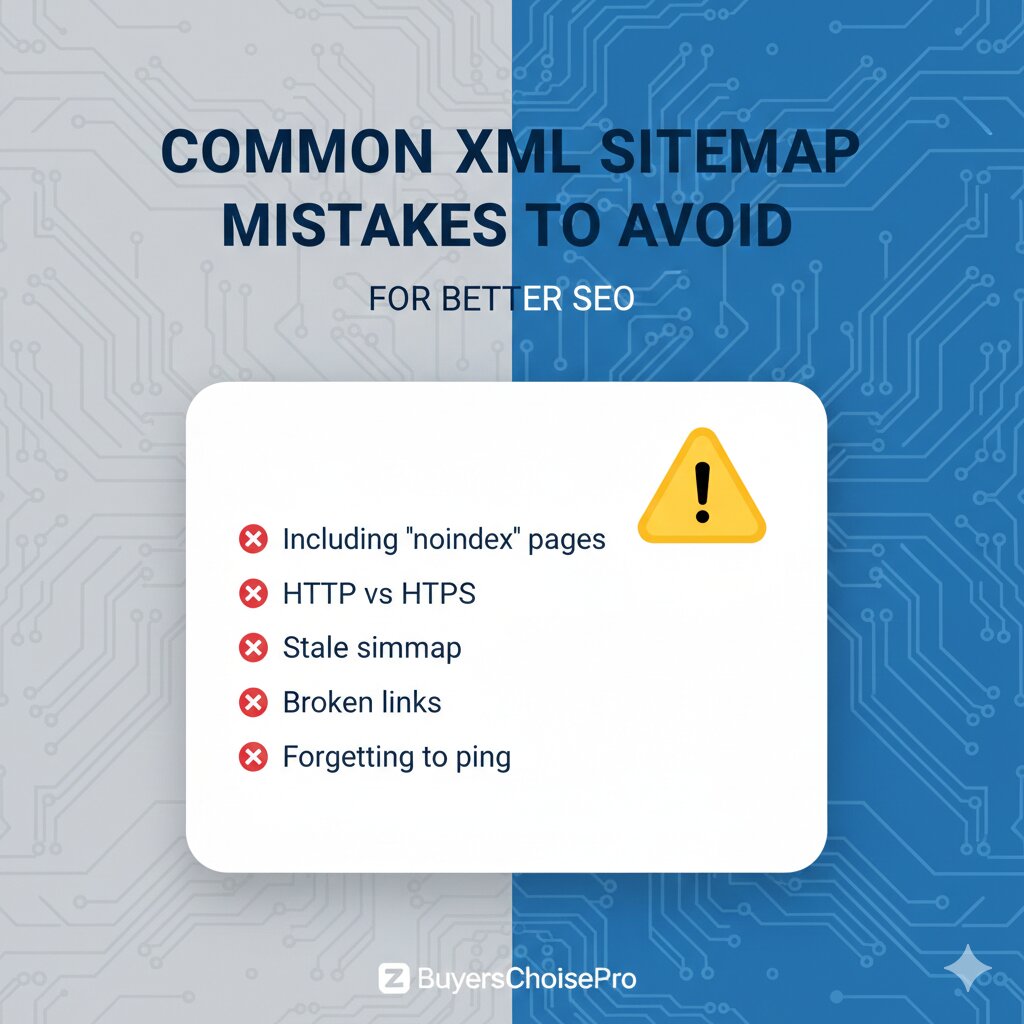
Mistake #1: Including “Noindex” Pages
If a page has a <meta name="robots" content="noindex"> tag, don’t put it in your sitemap. It sends mixed signals.
Mistake #2: Using HTTP Instead of HTTPS
If your site uses SSL, your sitemap must contain https:// URLs. Mixed content confuses browsers and search engines.
Mistake #3: Letting Your Sitemap Become Stale
A sitemap from 2023 won’t help in 2026. Update it whenever you add, remove, or modify content.
Mistake #4: Submitting a Sitemap with Broken Links
Broken links waste crawl budget. Run your sitemap through our Broken Links Finder (PR46) before submission.
Mistake #5: Forgetting to Ping Search Engines
After updating your sitemap, notify Google and Bing. You can do this manually or use our tool’s auto-ping feature.
❓ Frequently Asked Questions (FAQs)
Q1: Is this XML Sitemap Generator really free?
A: Yes! The tool on a2zseo.buyerschoicepro.com is completely free. Generate unlimited sitemaps for any website size with no hidden fees.
Q2: Do I need an XML sitemap for a small website?
A: Absolutely. Even a 5-page site benefits from a sitemap because it helps Google discover your pages faster and ensures nothing is missed.
Q3: How do I submit my sitemap to Google?
A: After generating and uploading your sitemap to your server, go to Google Search Console → Sitemaps → enter your sitemap URL → click Submit.
Q4: Can I generate a sitemap for a website I don’t own?
A: Technically yes, but you’ll only get a list of URLs. To submit it to search engines, you need access to the server or Search Console.
Q5: What’s the difference between XML and HTML sitemaps?
A: XML sitemaps are for search engines. HTML sitemaps are for human visitors to navigate your site. Our tool can generate both.
Q6: How often should I update my sitemap?
A: Ideally, update it every time you publish new content. Many CMS platforms (like WordPress with SEO plugins) do this automatically.
Q7: Can I include multiple sitemaps?
A: Yes. For large sites, create multiple sitemaps (e.g., posts-sitemap.xml, pages-sitemap.xml) and list them in a sitemap index file. Our tool supports this.
Q8: What if my site has thousands of pages?
A: Our generator handles up to 50,000 URLs per sitemap. If you have more, it will automatically split into multiple files and create an index.
🏁 Conclusion
An XML sitemap is one of the simplest yet most powerful SEO tools at your disposal. It ensures that search engines can find and index all your important pages, leading to better visibility and more organic traffic.
With the BuyersChoicePro Free XML Sitemap Generator, you can create a fully optimized sitemap in minutes—without any technical hassle.
Here’s your action plan:
- Generate your sitemap using our free tool.
- Upload it to your website’s root directory.
- Submit it to Google Search Console.
- Watch your indexed pages grow and your rankings improve.
According to Google’s official SEO documentation, helpful and people-first content is the most important ranking factor.
You can test your website performance using Google PageSpeed Insights.
🚀 Bonus: Quick Reference – Sitemap Submission URLs
Use these direct links to ping search engines after updating your sitemap:
Google:
text
https://www.google.com/ping?sitemap=https://yourdomain.com/sitemap.xml
Bing:
text
https://www.bing.com/ping?sitemap=https://yourdomain.com/sitemap.xml
Or just use our tool’s built-in ping feature!